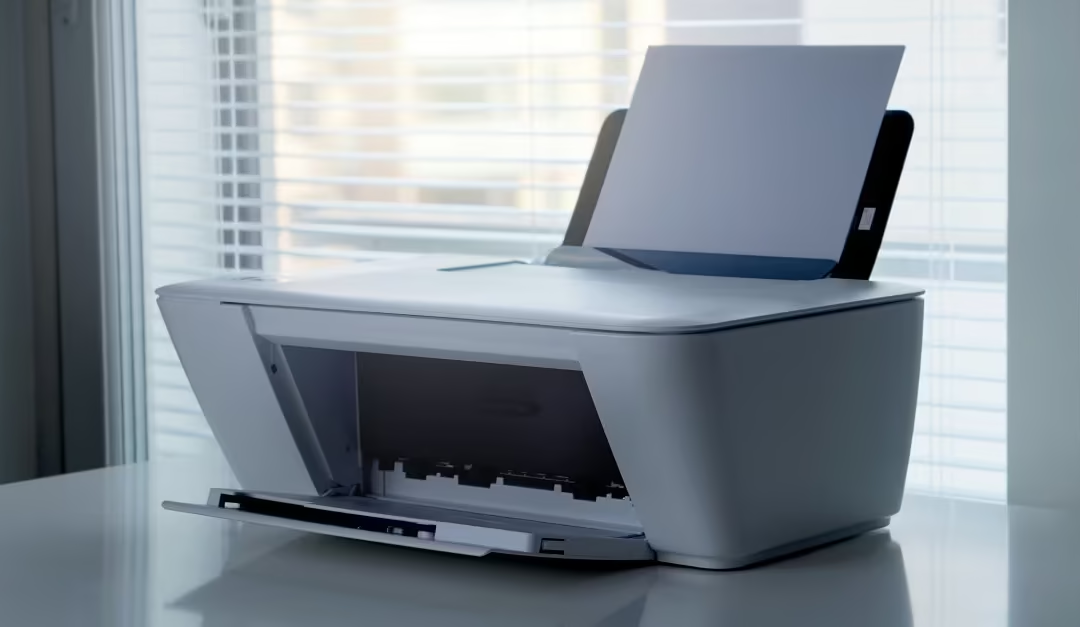
Despite the rise of digital transformation, printing remains an essential part of daily business operations. Contracts, invoices, reports, quotations, delivery notes, marketing materials, and legal documents still require reliable, high-quality printing. However, choosing the wrong office printer can lead to unnecessary expenses, frequent breakdowns, slow workflows, and costly consumables.
The best office printer isn't necessarily the cheapest, it's the one that matches your organization's printing needs, budget, and future growth. Factors such as print volume, running costs, connectivity, maintenance, and security all play a role in determining the right solution.
At Orvex Solution, we help businesses select, install, configure, and maintain office printers that improve productivity while reducing the total cost of ownership.
Why Choosing the Right Printer Matters
Your office printer is more than just a device, it's a productivity tool. A poorly chosen printer can cause:
- Frequent paper jams
- Slow printing speeds
- High ink or toner expenses
- Poor print quality
- Employee downtime
- Increased maintenance costs
Conversely, the right printer helps improve efficiency, reduces operating costs, and ensures business continuity.
Understand Your Business Printing Needs
Before purchasing a printer, ask yourself a few key questions:
- How many pages do you print each month?
- Do you mainly print text or graphics?
- Do you require colour printing?
- How many employees will share the printer?
- Do you need scanning and copying?
- Will employees print wirelessly?
- Is secure printing important?
Matching your printer to actual usage is the first step toward maximizing value.
Types of Office Printers
1. Laser Printers
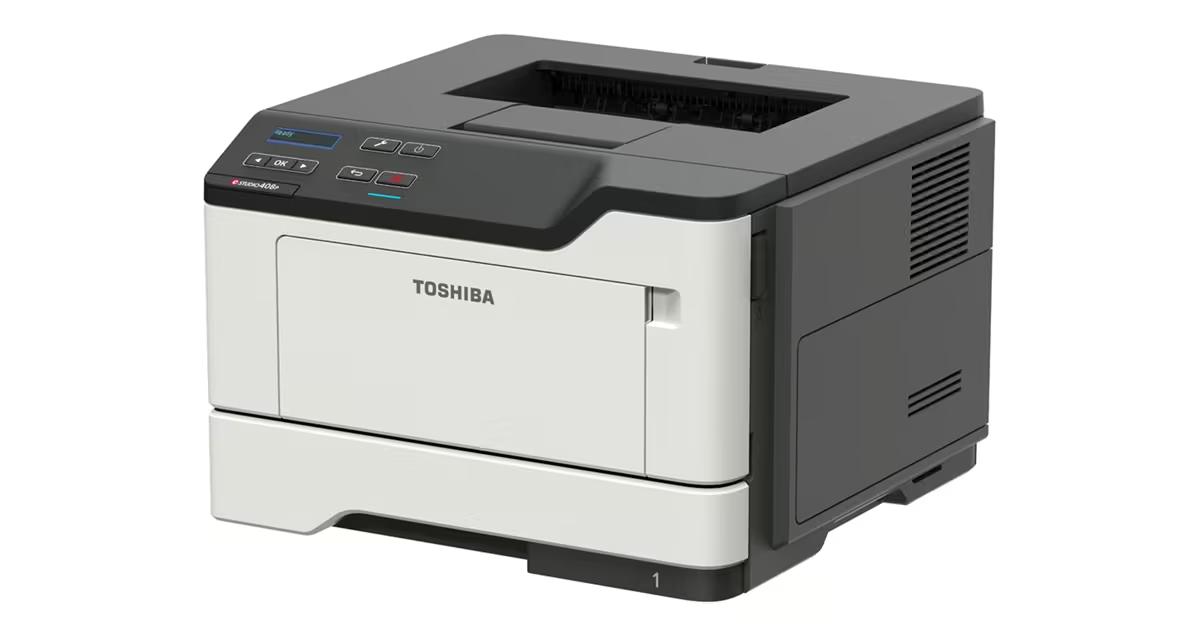
Laser printers use toner rather than liquid ink, making them ideal for offices with high printing volumes.
Advantages
- Fast printing speeds
- Crisp text documents
- Lower cost per page for text-heavy workloads
- High reliability
- Minimal maintenance
Best suited for:
- Accounting firms, schools, law firms, government offices and SMEs with frequent document printing
Industry guidance consistently recommends monochrome laser printers for businesses that primarily print black-and-white documents due to their speed, durability, and lower long-term operating costs.
2. Inkjet Printers
Inkjet printers are designed for businesses that need vibrant colour output.
They are excellent for: marketing brochures, product catalogues, photos and presentations.
Advantages include:
- Lower purchase price
- Excellent colour quality
- Compact size
Note: However, traditional cartridge-based inkjets can become expensive if used for high-volume office printing.
3. Ink Tank Printers
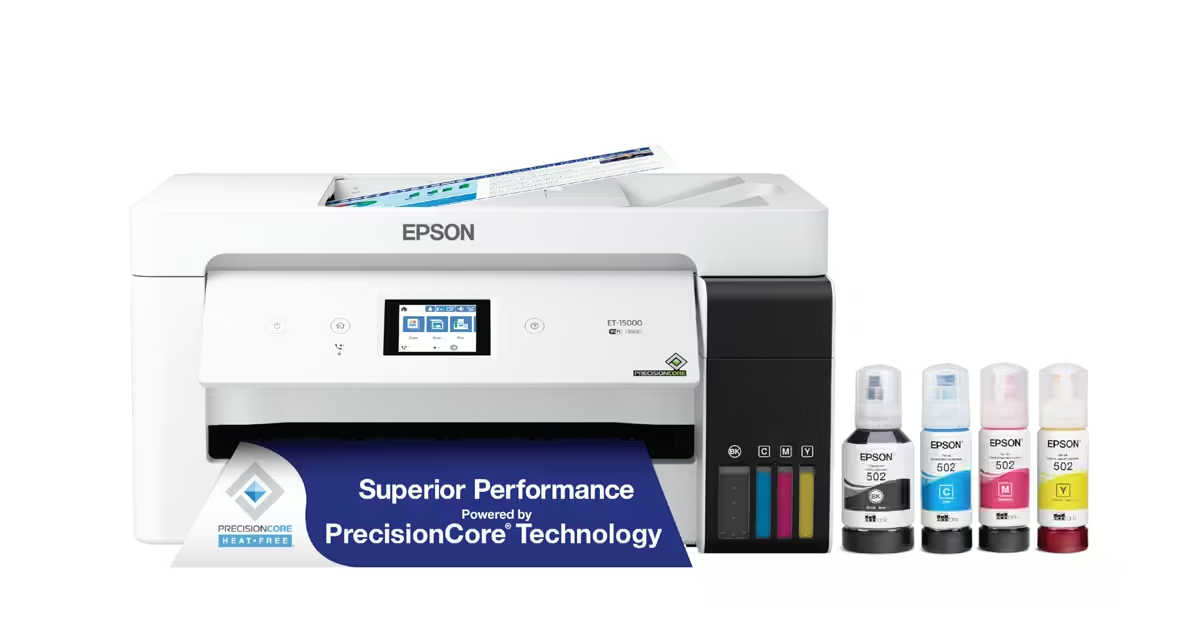
Ink tank printers have become increasingly popular among small and medium-sized businesses.
Instead of cartridges, they use refillable ink tanks.
Benefits include:
- Extremely low running costs
- High page yields
- Excellent colour quality
- Cost-effective for frequent colour printing
Although they typically cost more upfront, they often save money over time through significantly reduced ink expenses.
Single Function vs All-in-One Printers
Single Function Printers
These only print.
Suitable when:
- Printing is the only requirement
- Space is limited
- Existing scanners are available
Multifunction (All-in-One) Printers
These combine:
- Printing
- Scanning
- Copying
- Sometimes faxing
Most modern businesses benefit from multifunction printers because they save office space and eliminate the need for multiple devices.
Important Features to Consider
a) Print Speed
Measured in Pages Per Minute (PPM).
High-volume offices should prioritize faster printers to reduce waiting times.
b) Monthly Duty Cycle
Every printer has a recommended monthly print volume.
Choosing a printer below your office's monthly workload can result in frequent failures and reduced lifespan.
c) Cost of Ownership
Many businesses focus solely on purchase price.
Instead, consider:
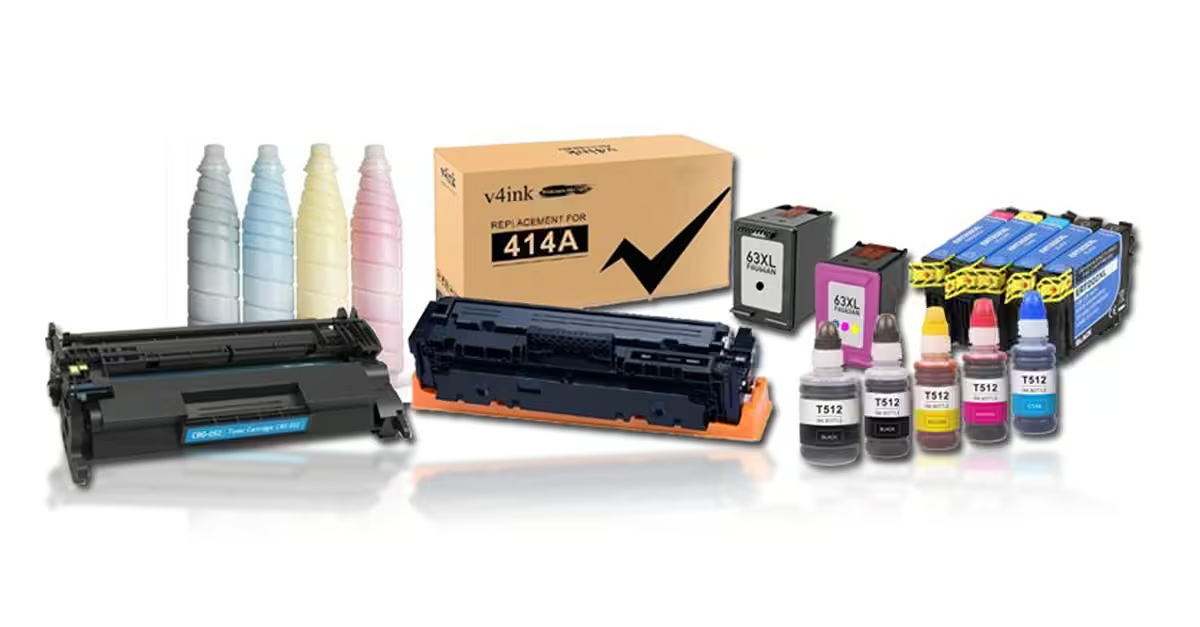
- Toner or ink costs
- Maintenance
- Replacement parts
- Electricity usage
- Downtime
- Warranty
Often, a slightly more expensive printer proves more economical over its lifetime.
d) Wireless Connectivity
Modern offices benefit from:
- Wi-Fi printing
- Mobile printing
- Cloud printing
- Ethernet networking
- USB connectivity
Wireless access allows employees to print securely from laptops, tablets, and smartphones without relying on a single workstation.
e) Automatic Duplex Printing
Duplex printing allows automatic printing on both sides of the paper.
Benefits include:
- Reduced paper consumption
- Lower printing costs
- Environmentally friendly operations
- Professional-looking documents
f) Paper Capacity
Large paper trays reduce interruptions caused by frequent paper refills.
Businesses with high print volumes should choose printers with higher input capacities or expandable trays.
g) Security Features
Today's network printers are connected to business networks and should be treated like any other endpoint.
Look for features such as:
- User authentication
- Secure print release
- PIN-protected jobs
- Data encryption
- Administrative access controls
These features help protect confidential business information from unauthorized access.
Common Mistakes Businesses Make
Avoid these common pitfalls:
- Buying the cheapest printer without considering running costs
- Choosing a home printer for business use
- Ignoring future business growth
- Overlooking maintenance and support availability
- Purchasing without assessing monthly print volume
- Using non-genuine consumables that may affect reliability
Making an informed choice helps prevent costly replacements and service interruptions.
Maintenance Tips for Longer Printer Life
Regular maintenance extends printer lifespan and improves reliability.
Best practices include:
- Clean paper trays and rollers regularly.
- Use quality paper and genuine consumables where possible.
- Update printer firmware.
- Replace worn components promptly.
- Schedule preventive maintenance.
- Avoid exceeding the recommended monthly duty cycle.
Routine servicing can significantly reduce downtime and unexpected repair costs.
Why Professional Printer Installation Matters
Proper installation goes beyond plugging in the device.
Professional setup ensures:
- Correct network configuration
- Driver installation across multiple devices
- Secure user access
- Wireless connectivity
- Integration with existing office systems
- Optimized print settings
A professionally deployed printer is easier to manage and less likely to experience configuration issues.
How Orvex Solution Can Help
At Orvex Solution, we provide complete office printing solutions tailored to businesses of all sizes.
Our services include:
- Printer sales and consultation
- Printer installation and configuration
- Network printer deployment
- Wireless printer setup
- Printer maintenance and servicing
- Toner and consumables support
- Troubleshooting and repairs
- Managed IT support for connected office devices
Whether you're equipping a new office or upgrading an existing print environment, our experienced team helps you choose the right technology based on your operational needs and budget.
Conclusion
Choosing the right office printer is about balancing performance, reliability, and long-term value. By assessing your print volume, understanding the strengths of laser, inkjet, and ink tank technologies, and considering features such as duplex printing, wireless connectivity, and security, you can invest in a solution that supports your business for years to come.
With expert guidance, professional installation, and ongoing support from Orvex Solution, your business can enjoy efficient, cost-effective, and dependable printing that keeps your team productive and your operations running smoothly.